
Compare
Compare iPhone and iPad screenshot cleaners & storage workflows
A screenshot cleaner earns its keep when it isolates disposable screen captures from real camera memories, shows what those captures weigh on your device, groups exact and re-saved copies, and deletes your selection through Apple’s Photos sheet without locking you into a weekly subscription. Explore 30 structured comparisons across built-in iOS tools, third-party cleaner apps, swipe sorters and storage strategies.
Master iPhone & iPad screenshot cleanup matrix
Published by Arte Soft EOOD, developer of Fastest Screenshot Cleaner ($2.99 US paid App Store download for iPhone and iPad on iOS 26+, with no subscription). Every comparison separates documented PhotoKit behavior, on-device processing, recovery safety and long-term cost rather than promising fixed storage percentages.
| Tool or workflow | Primary scope | Screenshot size & duplicate stacks | Where photos are processed | Pricing model |
|---|---|---|---|---|
| Fastest Screenshot Cleaner | Screenshots only via PhotoKit subtype on iPhone & iPad (iOS 26+) | Per-item & stack storage totals, Large stack, SHA-256 + Vision duplicate groups, Vision content stacks & widget | On-device PhotoKit & Apple Vision; system Photos sheet sends items to Recently Deleted (30 days) | $2.99 US one-time paid download (regional prices shown by Apple); no subscription |
| Apple Photos (Screenshots & Duplicates) | Built-in Media Types > Screenshots album & Utilities > Duplicates | Chronological Screenshots grid; system Duplicates utility merges general library pairs without per-stack byte totals | Native on-device iOS Photos (+ iCloud Photos if enabled) | Free, built into iOS & iPadOS |
| Weekly Subscription Phone Cleaners | Broad camera-roll, video, contact & calendar bundle cleaners | General similarity/blurry photo buckets; often mix camera photos with screenshots | Varies by vendor; check App Privacy nutrition labels before granting Full Access | Free trial converting into ~$7.99–$9.99/week or ~$40–$50/year recurring plans |
| Annual Suite Cleaners (CleanMyPhone / Gemini) | Full-library declutter & AI category scanning across camera photos and videos | Broad media categories and similar-shot clusters across the entire library | On-device scanning on modern iOS builds; account/license management varies | Recurring annual or monthly subscription (or multi-device bundle plan) |
| Card-Swipe Cleaners (SwipeWipe / Picnic / Sponge) | One-by-one Tinder-style left/right card review by month or album | Built for deciding individual camera shots rather than one-tap stack bulk selection | Local PhotoKit review on iOS; check per-app analytics & trial gates | Freemium with daily swipe caps or weekly/yearly Pro subscriptions |
| Album & Tag Managers (Slidebox / HashPhotos) | Sorting camera roll into custom albums, tags and metadata filters | Manual sorting gestures or advanced search filters rather than dedicated screenshot content stacks | Local PhotoKit library management | Freemium subscription or one-time/pro unlock depending on app |
| Google Photos ("Free up space") & iCloud+ | Cloud backup & local cache eviction, or renting larger cloud tiers | Moves clutter to paid cloud storage instead of deleting disposable screenshots everywhere | Uploaded to Google or Apple cloud servers | Recurring monthly/annual cloud storage quota fees once free tier fills |
| Photo2Video Archive (Arte Soft) | Compressing treasured camera-roll photos into a restorable HEVC MP4 video | Designed for photos you want to keep in compact video form rather than screenshots you want gone | On-device HEVC encoding & frame/package restoration on iPhone & iPad (iOS 26+) | $3.99 US one-time paid download; no subscription |
Detailed Head-to-Head Comparisons
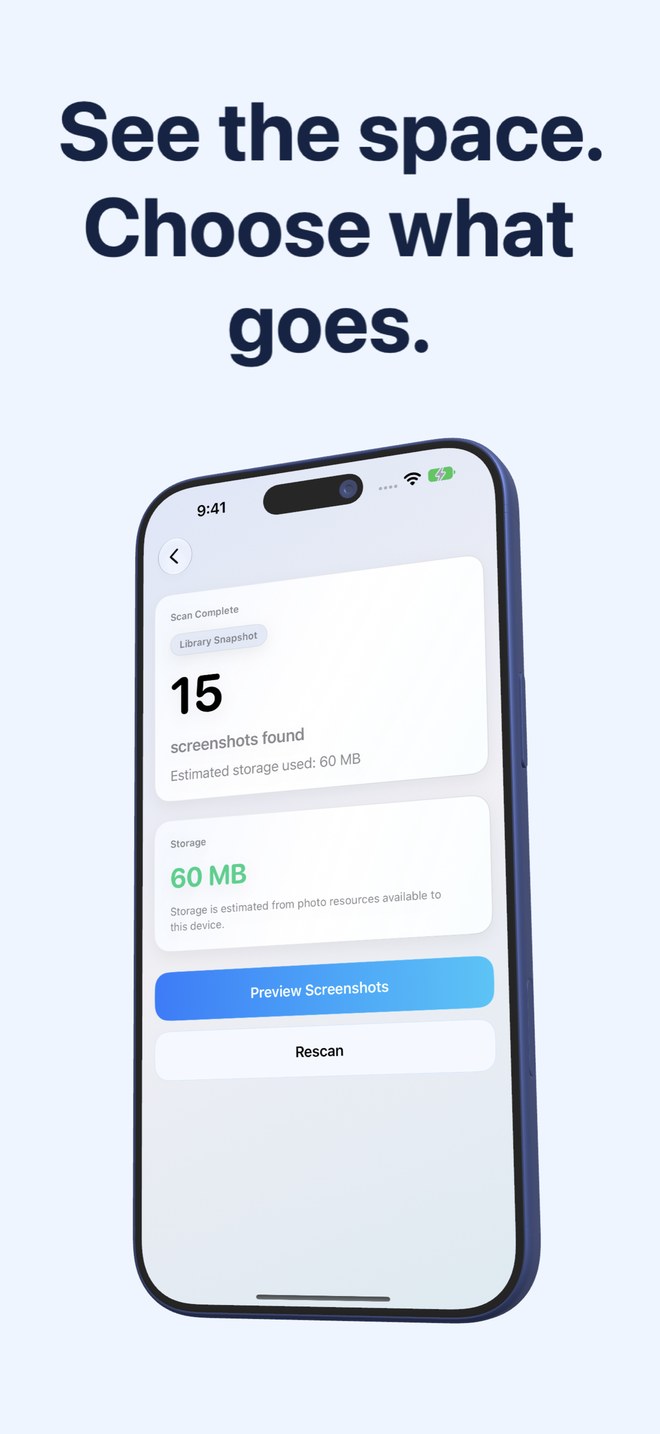 Fastest Screenshot Cleaner vs Apple Photos Screenshots Album: storage totals, stacks and duplicate groupsCompare Fastest Screenshot Cleaner ($2.99 once) and Apple Photos Screenshots album across byte totals, Large stacks, Vision groups and bulk delete.
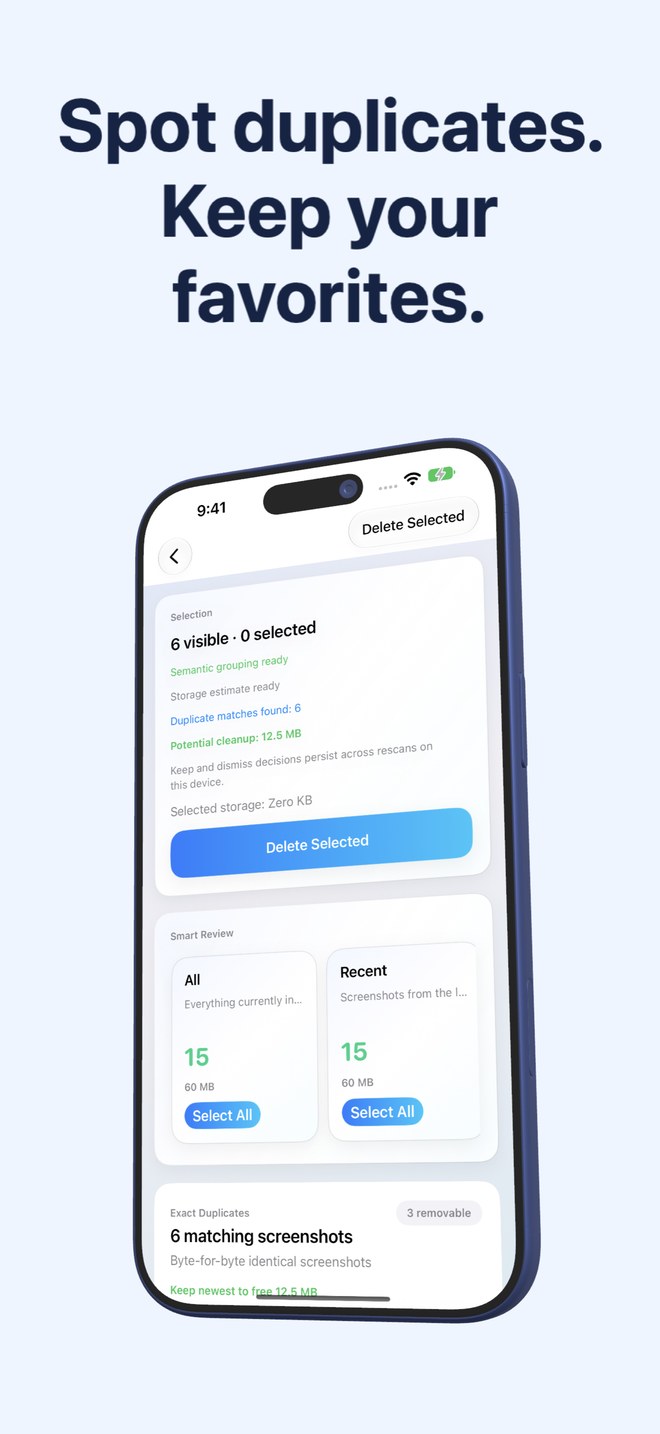 Fastest Screenshot Cleaner vs Clever Cleaner: screenshots-only $2.99 utility vs broad camera-roll cleanerCompare Fastest Screenshot Cleaner and Clever Cleaner on iPhone: PhotoKit screenshot-only isolation, Vision stacks, Limited Access and $2.99 pricing.
- Fastest Screenshot Cleaner vs CleanMyPhone (MacPaw): $2.99 one-time screenshot utility vs annual cleaner suiteCompare Fastest Screenshot Cleaner ($2.99 once) with MacPaw CleanMyPhone across screenshot text stacks, duplicate logic, iPad support and multi-year cost.
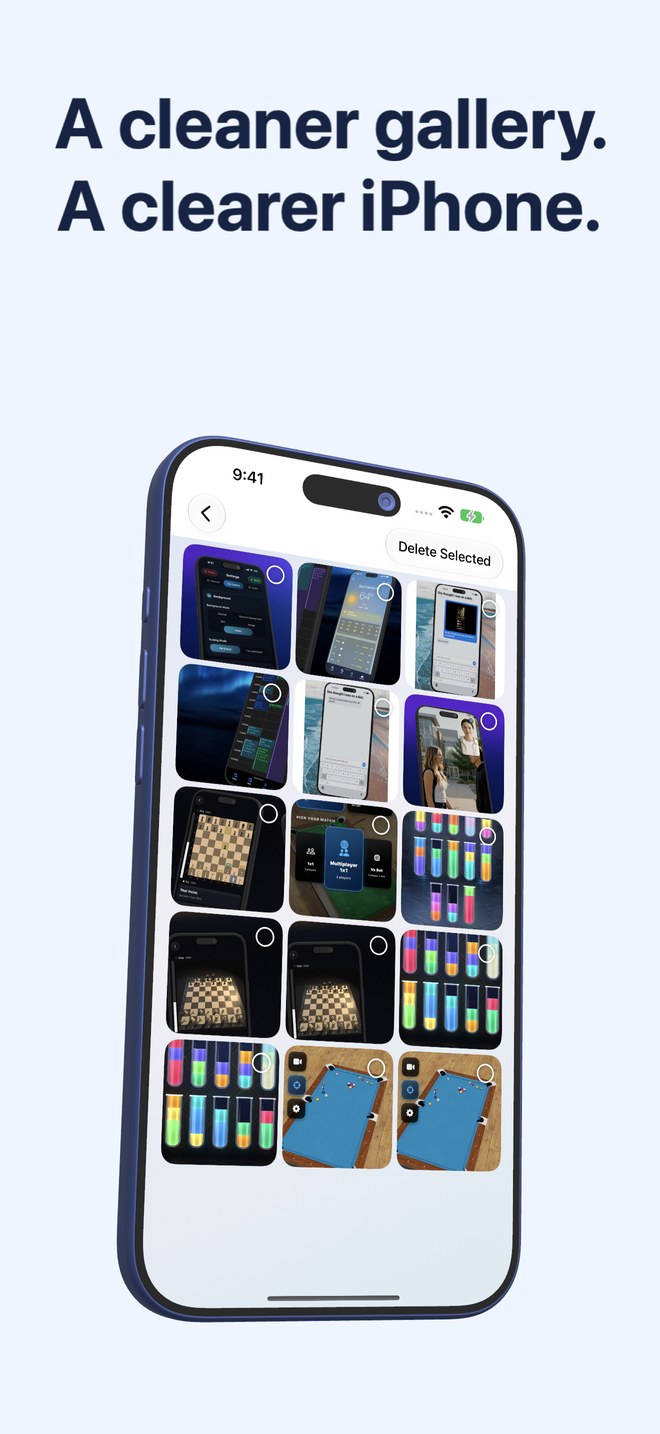 Fastest Screenshot Cleaner vs Cleanup: Phone Storage Cleaner — $2.99 once vs weekly cleaner subscriptionsCompare Fastest Screenshot Cleaner ($2.99 once) and Cleanup: Phone Storage Cleaner across weekly billing traps, Vision stacks, bloat and privacy.
- Fastest Screenshot Cleaner vs SwipeWipe: bulk stack deletion in seconds vs swiping thousands of cardsCompare Fastest Screenshot Cleaner ($2.99 once) and SwipeWipe on iPhone: 3-column bulk stack selection vs month-by-month swiping and subscriptions.
- Fastest Screenshot Cleaner vs Slidebox: dedicated screenshot bulk cleanup vs album-sorting organizerCompare Fastest Screenshot Cleaner ($2.99 once) and Slidebox on iPhone & iPad: automated Vision screenshot stacks and byte totals vs album sorting.
- Fastest Screenshot Cleaner vs Gemini Photos: modern iOS 26 $2.99 screenshot alternative to legacy subscriptionsNeed a Gemini Photos alternative on iPhone & iPad? Compare Fastest Screenshot Cleaner ($2.99 once) against Gemini Photos / CleanMyPhone subscriptions.
- Fastest Screenshot Cleaner vs Remo Duplicate Photos Remover: full screenshot cleanup vs duplicate-only scanningCompare Fastest Screenshot Cleaner ($2.99 once) and Remo Duplicate Photos Remover on iPhone: unique screenshot stacks + duplicates vs duplicates only.
- Fastest Screenshot Cleaner vs Boost Cleaner / Smart Cleaner: focused $2.99 PhotoKit app vs weekly bundle cleanersCompare Fastest Screenshot Cleaner ($2.99 once) with Boost Cleaner and Smart Cleaner apps: zero contact bloat, no weekly fees and local Vision stacks.
- Fastest Screenshot Cleaner vs Hyper Cleaner & AI Clean Apps: on-device Apple Vision vs vague "AI cleaner" upsellsCompare Fastest Screenshot Cleaner ($2.99 once) with Hyper Cleaner and AI Storage Cleaner apps across on-device Vision OCR, privacy and subscriptions.
- Fastest Screenshot Cleaner vs Picnic Photo Swiper: batch stack deletion vs Tinder-style card swipingCompare Fastest Screenshot Cleaner ($2.99 once) and Picnic Photo Swiper on iPhone: 3-column bulk screenshot stacks vs daily-capped Tinder-style photo swiping.
- Fastest Screenshot Cleaner vs Sponge Gallery Cleaner: Vision screenshot stacks vs monthly swipe sessionsCompare Fastest Screenshot Cleaner ($2.99 one-time) and Sponge Gallery Cleaner on iPhone across screenshot-only stacks, byte sorting, duplicates and pricing.
- Fastest Screenshot Cleaner vs Alpaca Similar Photo Cleaner: screenshot storage stacks vs burst-photo similarityCompare Fastest Screenshot Cleaner ($2.99 once) and Alpaca Similar Photo Cleaner: Vision screenshot stacks, byte sizes and SHA-256 vs burst grouping.
- Fastest Screenshot Cleaner vs HashPhotos: 60-second screenshot cleanup vs power-user tag & EXIF managerCompare Fastest Screenshot Cleaner ($2.99 once) and HashPhotos on iPhone & iPad: automated Vision screenshot stacks vs manual tag, EXIF and album tools.
- Fastest Screenshot Cleaner vs Google Photos "Free up space": true screenshot deletion vs cloud quota clutterCompare Fastest Screenshot Cleaner ($2.99 once) and Google Photos Free Up Space: deleting junk screenshots cleanly vs filling your 15 GB Google quota.
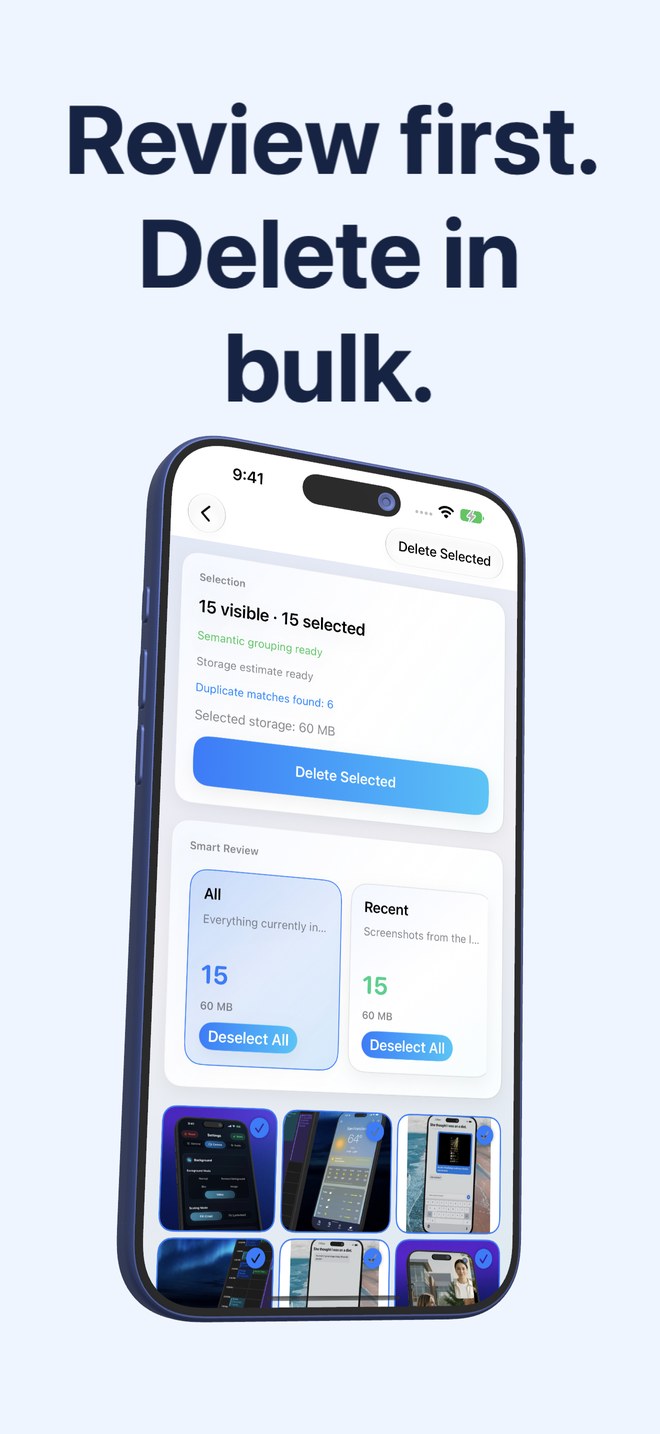 Fastest Screenshot Cleaner vs iOS Shortcuts "Delete Screenshots": visual Vision review vs blind batch limitsCompare Fastest Screenshot Cleaner ($2.99 once) and iOS Shortcuts screenshot deletion: visual 3-column grid, sizes & Vision stacks vs Shortcut limits.
- Fastest Screenshot Cleaner vs Mac Image Capture & Photos Cleanup: untethered on-device triage vs USB cable sortingCompare cleaning iPhone screenshots on-device with Fastest Screenshot Cleaner ($2.99) vs plugging into macOS Image Capture, Finder or Mac Photos.
- Fastest Screenshot Cleaner ($2.99 once) vs Upgrading iCloud+ Storage: cutting dead screenshots vs renting cloud tiers foreverUpgrade iCloud+ again or clean screenshots first? Compare $2.99 once for Fastest Screenshot Cleaner vs recurring monthly iCloud+ storage bills.
- Fastest Screenshot Cleaner vs Apple Photos Duplicates Utility: SHA-256 + Vision matches & non-duplicate stacksCompare Fastest Screenshot Cleaner ($2.99 once) and iOS Photos Duplicates: on-demand scans, re-saved visual matches and Vision screenshot stacks.
- Fastest Screenshot Cleaner vs Photo2Video Archive: deleting disposable screenshots vs archiving treasured photos as HEVC videoCompare Arte Soft’s iOS 26 storage apps: Fastest Screenshot Cleaner ($2.99) for deleting screenshots vs Photo2Video Archive ($3.99) for HEVC archiving.
- One-Time $2.99 iPhone Cleaner vs Weekly Subscription Cleaners: 52-week cost math & dark-pattern checklistCompare a one-time $2.99 paid iPhone screenshot cleaner against $4.99–$9.99/week subscription cleaner apps across 1-year cost math, trials and PhotoKit limits.
- Bulk Grid Screenshot Deletion vs Swipe-Left Photo Cleaners: real time math on 3,000+ screenshotsCalculate how long clearing 500 to 5,000 screenshots takes in swipe-left card cleaners vs 3-column Vision stacks and Select All in Fastest Screenshot Cleaner.
- On-Device PhotoKit Screenshot Scanner vs Cloud Photo Cleaners: why screenshots should never leave your iPhoneLearn why banking, 2FA, medical and chat screenshots require 100% on-device PhotoKit and Apple Vision processing rather than cloud-uploading photo cleaners.
- Exact Duplicate (SHA-256) vs Visually Similar Screenshot Detection: how re-saved copies differ from clonesUnderstand the difference between byte-exact SHA-256 screenshot duplicates and image-fingerprint + Vision-text visual matches on iPhone and iPad.
- Sorting Screenshots by File Size vs Date on iPhone: why Retina PNG captures eat gigabytes unequallyWhy deleting 100 heavy Retina PNG screenshots frees more iPhone storage than 1,000 plain-text captures—comparing file-size stacks vs date-sorted galleries.
- iOS Recently Deleted 30-Day Safety Net vs Instant Wipe Tools: safe bulk screenshot cleanup explainedCompare PhotoKit’s 30-day Recently Deleted safety net in Fastest Screenshot Cleaner vs permanent USB/shredder deletion—and learn when bytes are reclaimed.
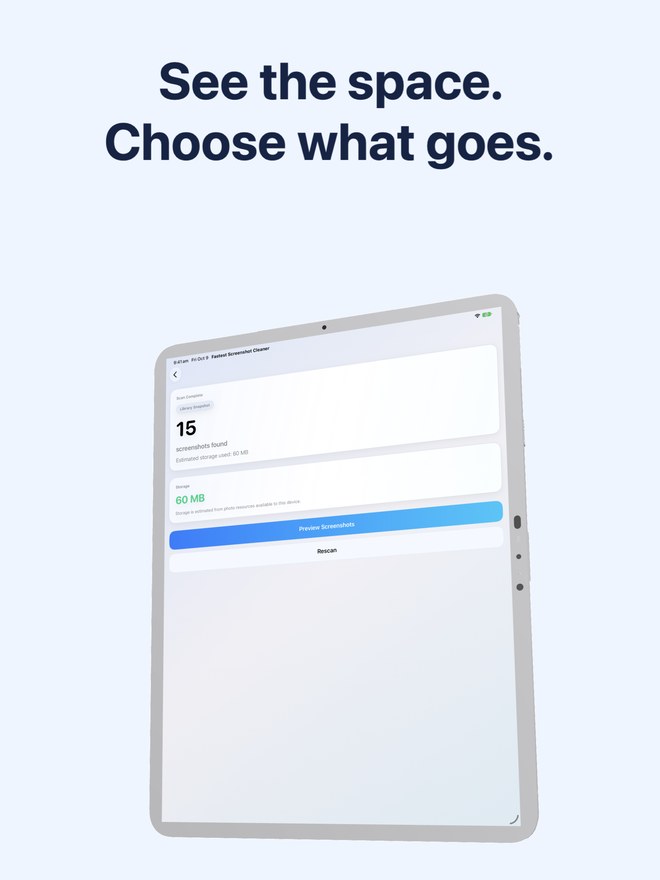 Cleaning iCloud Photos Screenshots Across iPhone & iPad: how one PhotoKit session syncs space everywhereSee how Fastest Screenshot Cleaner ($2.99) works with iCloud Photos Optimize Storage, downloads and syncing across your iPhone, iPad and Mac.
- Home Screen Screenshot Storage Widget vs Manual Monthly Cleanups: stopping "Storage Almost Full" before it startsCompare passive Home Screen screenshot count & MB/GB widget tracking in Fastest Screenshot Cleaner ($2.99) against reactive "Storage Almost Full" cleanups.
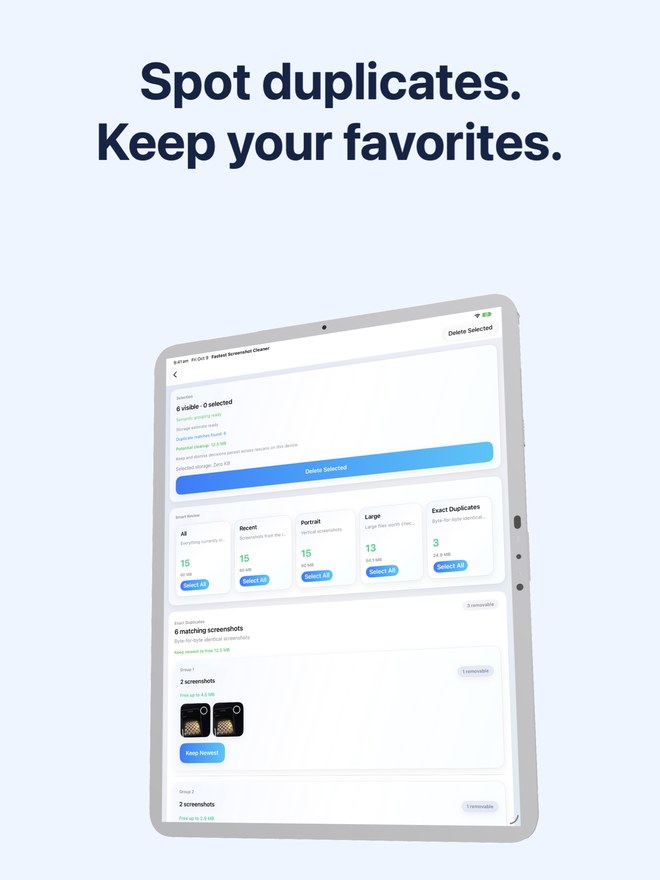 iPad Pro & iPad Air Screenshot Cleanup vs iPhone-Only Cleaners: taming 2064×2752 Retina iPadOS capturesCompare native iPadOS 26 screenshot cleaning in Fastest Screenshot Cleaner ($2.99 universal app) against letterboxed iPhone-only cleaners on large iPad PNGs.
- Freeing iPhone Storage Before iOS Updates: deleting screenshots permanently vs offloading apps temporarilyNeed gigabytes fast to install an iOS update? Compare permanent screenshot cleanup with Fastest Screenshot Cleaner ($2.99) vs temporary iOS App Offloading.