Fastest Screenshot Cleaner vs HashPhotos: 60-second screenshot cleanup vs power-user tag & EXIF manager
HashPhotos is a feature-packed replacement Photos viewer built for enthusiasts who tag images with `#keywords`, inspect EXIF camera lenses, build smart search filters and edit metadata. If all you want is to wipe hundreds of accumulated screenshots in sixty seconds and forget the app until next month, learning a complex tag-and-filter workbench is overkill. Fastest Screenshot Cleaner ($2.99 US one-time paid download, iOS 26+) gives you three focused screens: scan, stack review, and bulk delete.
1. Zero-setup automated stacks vs manual tags and smart filters
HashPhotos can filter by `@screenshot` or file size once you learn its search syntax, sidebar drawers and multi-pane toolbars. Still, you have to construct searches yourself, and HashPhotos does not automatically sort your screenshots into pre-built OCR cards like Invoices, Chats, Shopping or Code on launch.
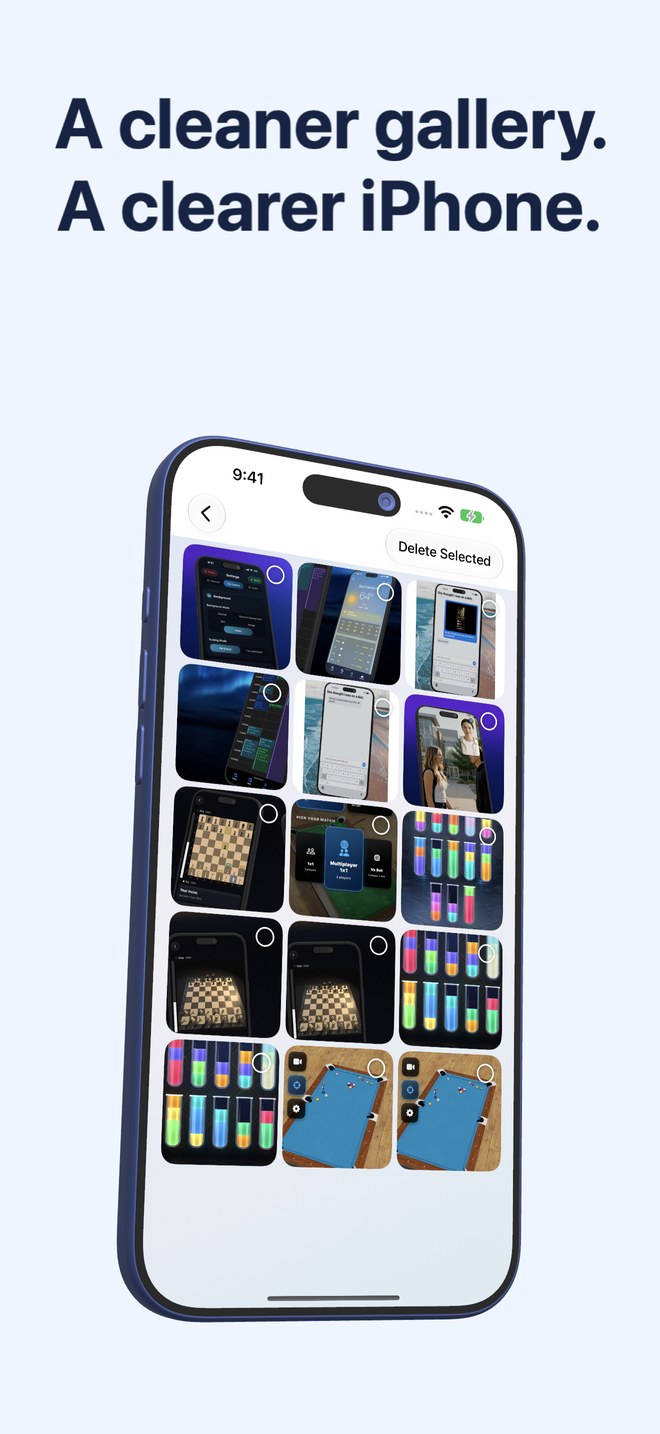
Fastest Screenshot Cleaner requires zero query syntax or tagging discipline. One tap scans PhotoKit screenshots, computes total and per-stack storage estimates, and presents ready-made cards—Everything, Recent, Portrait, Landscape, Large, Exact Duplicates, Visual Matches, plus seven Apple Vision text stacks—with a Select All button in every card.
| Workflow aspect | Fastest Screenshot Cleaner | HashPhotos |
|---|---|---|
| Interface scope | Three screens: Scan -> Stack Review -> Delete Selected (+ widget) | Full Photos app replacement with tags, EXIF editor, albums & editors |
| Setup required before bulk delete | Zero — automatic stacks appear right after scan | Learn `@` filter syntax, smart albums or manual selection tools |
| Automatic OCR topic grouping | Pre-built Shopping, Invoices, Chats, Books, Code, Web & Travel stacks | Manual `#tag` organization or text search one keyword at a time |
| Camera-roll safety barrier | Only ever loads PhotoKit screenshots; camera photos cannot be touched | Loads entire photo & video library unless a filter is active |
| Duplicate screenshot workflow | Dedicated SHA-256 Exact & Fingerprint+Text Visual Match stacks + Keep Newest | General duplicate/similar finder tool inside menu |
2. Pricing, private albums and iPadOS 26 support
HashPhotos uses a freemium download with in-app unlocks/passes for advanced features and includes private local albums stored inside the app container (which require separate backup awareness). Fastest Screenshot Cleaner keeps every image natively inside Apple Photos, charges one transparent $2.99 US upfront download price, and has zero in-app purchase menus.
| Factor | Fastest Screenshot Cleaner | HashPhotos |
|---|---|---|
| Pricing model | $2.99 US one-time paid download; no IAPs or subscriptions | Freemium with paid Pro feature unlocks / passes |
| Where files live | 100% native Apple Photos library via PhotoKit | Native Apple Photos + optional private in-app local albums |
| Limited Photos access | Supported cleanly for shared screenshots | Designed primarily as a full-library manager |
| iPhone & iPad support | Universal app for iOS 26 & iPadOS 26 | Universal iPhone & iPad app |
| Home Screen widget | Shows waiting screenshot count, byte weight & Scan button | Photo display widgets rather than screenshot bloat counter |
3. Who should pick HashPhotos vs Fastest Screenshot Cleaner?
Photographers who love curating 80,000 RAW+HEIC shots with custom `#tags`, GPS tweaks and EXIF comparisons will appreciate HashPhotos’ deep toolbox. Everyone else who uses the standard Apple Photos app day to day—and just wants a dedicated broom for screenshot clutter—will finish faster with Fastest Screenshot Cleaner.
| Type of user | Better tool | Why |
|---|---|---|
| Hobbyist photographer managing `#tags`, EXIF metadata & custom smart albums | HashPhotos | Built as an all-in-one metadata & library browser |
| Everyday iPhone/iPad user wanting screenshots gone in 60 seconds | Fastest Screenshot Cleaner | Automatic Vision & size stacks require zero manual setup |
| User worried about accidentally deleting real camera photos during a filter slip | Fastest Screenshot Cleaner | PhotoKit screenshot subtype lock makes non-screenshots invisible |
| Minimalist wanting a Home Screen counter of screenshot weight | Fastest Screenshot Cleaner | Dedicated count + size widget with one-tap Scan |
Do I have to tag my screenshots manually in Fastest Screenshot Cleaner?
No. Apple’s on-device Vision framework reads text on your screenshots during the scan and places them into stacks like Chats, Invoices, Shopping, Travel and Code automatically.
Does Fastest Screenshot Cleaner replace the Apple Photos app?
No. As our home page puts it, the app is built to be finished in a minute and forgotten until the next pile—leaving Apple Photos as your everyday gallery.
Does Fastest Screenshot Cleaner store copies of my screenshots inside its own container?
No. It reads directly from PhotoKit and stores only tiny local summary numbers (latest scan count/size for the widget and keep choices for duplicate groups).
What happens if I delete Fastest Screenshot Cleaner later?
Deleting the app simply removes its small stored scan summaries; your remaining photos in Apple Photos are completely unaffected.