Fastest Screenshot Cleaner vs Photo2Video Archive: deleting disposable screenshots vs archiving treasured photos as HEVC video
Both Fastest Screenshot Cleaner ($2.99 US paid download) and Photo2Video Archive ($3.99 US paid download) are on-device, subscription-free iOS 26 & iPadOS 26 utilities published by Arte Soft EOOD—built for opposite halves of a full iPhone library. Fastest Screenshot Cleaner deletes disposable screenshots you never need to see again; Photo2Video Archive turns thousands of treasured on-device photos into a compact, restorable HEVC MP4 archive video saved right in Photos.
1. Delete clutter vs compress memories: two distinct workflows
When "Storage Almost Full" strikes, your Photos library holds two very different things: ephemeral screenshots (old shipping confirmations, chats, error screens, duplicate captures) that have zero archival value, and thousands of personal photographs (trips, pets, food, city walks, documents) that take up gigabytes yet feel painful to throw away.
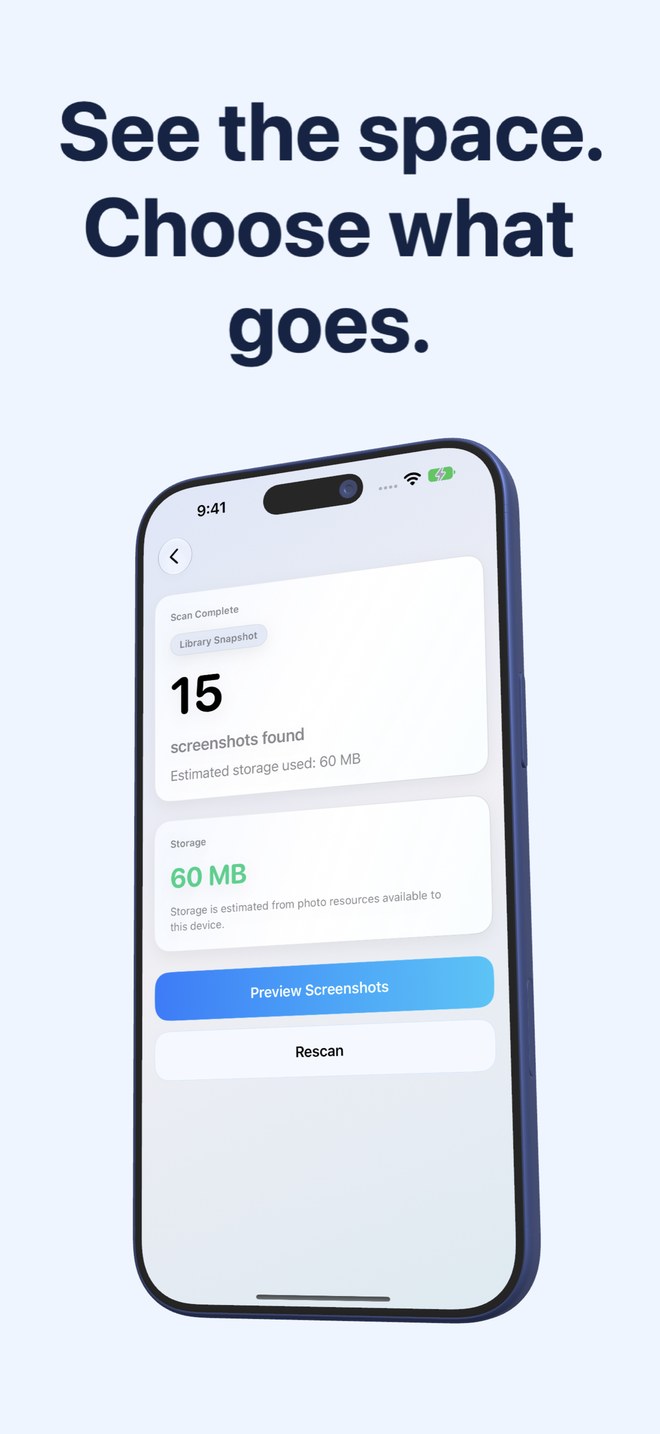
Fastest Screenshot Cleaner reads only PhotoKit screenshots so you can measure, group and delete the disposable pile into Recently Deleted in a minute. Photo2Video Archive loads your fully downloaded on-device photos, packs selected images as frames inside a verified HEVC MP4 video with an embedded manifest (dates, names and Live Photo pairings), and lets you export frames back to Photos later—or restore byte-exact originals while the local originals package remains in the app.
| Attribute | Fastest Screenshot Cleaner | Photo2Video Archive (Pixel Vault) |
|---|---|---|
| App Store ID & US price | id6760660697 · $2.99 one-time paid download | id6760718313 · $3.99 one-time paid download |
| Core job | Find, weigh, stack & bulk-delete disposable screenshots | Pack selected on-device photos into one restorable HEVC MP4 archive video |
| Target media | PhotoKit screenshots only (never touches camera photos) | On-device photos (skips iCloud-only items; includes stacks for travel, pets, food, docs…) |
| What happens to source files | Ticked screenshots move to Recently Deleted (30 days) via Photos sheet | Archive MP4 is verified & saved to Photos; lossy frame export anytime + byte-exact restore while local package is kept |
| Extra utility feature | Home Screen widget showing screenshot count, weight & Scan button | Decompression picker reads embedded manifest from archive videos on any device with the app |
| Subscription or account | None — paid download, 100% on-device processing | None — paid download, 100% on-device processing |
2. Why you shouldn’t archive junk—and shouldn’t delete real memories
Encoding 2,000 obsolete chat screenshots and duplicate lock-screen captures into an HEVC video wastes encoding time and leaves junk mixed into your archives. Conversely, deleting hundreds of old trip or pet photos just to survive an iOS update causes permanent regret after 30 days.
Note an important technical distinction with HEVC archiving: HEVC video encoding is lossy, so decoding a frame from the video later produces a re-encoded image unless you still keep the archive’s local originals package inside Photo2Video Archive (deleting that app deletes its local originals package). Screenshots you truly want gone need no archive at all—just clean PhotoKit removal via Fastest Screenshot Cleaner.
| Technical detail | Fastest Screenshot Cleaner | Photo2Video Archive |
|---|---|---|
| iCloud-only photos behavior | Measuring size may trigger Photos to download screenshot resources | Skips photos still only in iCloud instead of guessing at them |
| On-device recognition groups | Vision OCR screenshot groups: Shopping, Invoices, Chats, Books, Code, Web, Travel | Image + text stacks: Chats, Invoices, Documents, QR codes, Screenshots, Travel, Pets, Food, Nature, City |
| Duplicate handling | SHA-256 Exact Duplicates + Fingerprint/Text Visual Matches + Keep Newest | Includes a Duplicates review stack when selecting photos to archive |
| Supported OS & hardware | iPhone & iPad (iOS 26 / iPadOS 26+) | iPhone & iPad (iOS 26 / iPadOS 26+) |
| Developer support | office@arte-soft.com (Arte Soft EOOD) | office@arte-soft.com (Arte Soft EOOD) |
3. Running both utilities in tandem for maximum storage relief
Together, both one-time purchases cost $6.98 total on the US App Store—less than a single week of most $7.99–$9.99/week subscription phone cleaners. Step one: use Fastest Screenshot Cleaner to wipe disposable screenshots and duplicates. Step two: use Photo2Video Archive to pack older seasons of on-device photos you rarely browse into verified HEVC archive videos.
| Items in your Photos library | Use this app | Why |
|---|---|---|
| Old chat captures, expired promo codes, app errors & duplicate screenshots | Fastest Screenshot Cleaner ($2.99) | Zero reason to keep or archive them; delete safely in bulk |
| 3,000 older travel, food, city or document photos you want compressed yet viewable | Photo2Video Archive ($3.99) | Packs them into a verified HEVC MP4 in Photos with frame export |
| Ongoing Home Screen check so screenshots never pile up again | Fastest Screenshot Cleaner ($2.99) | Includes dedicated screenshot count & storage widget |
Are both Fastest Screenshot Cleaner and Photo2Video Archive one-time purchases?
Yes. Both are published by Arte Soft EOOD as one-time paid App Store downloads ($2.99 US for Fastest Screenshot Cleaner and $3.99 US for Photo2Video Archive) with no subscriptions.
If I export a photo from a Photo2Video Archive MP4 later, is it identical to the original?
HEVC video compression is lossy, so exporting a frame from the video alone produces a re-encoded image. While the archive’s local originals package remains inside Photo2Video Archive, Restore Selected restores byte-exact originals with names, dates and Live Photos.
Which app should I run first when my iPhone storage is full?
Run Fastest Screenshot Cleaner first so you delete pure screenshot clutter before spending time archiving anything.
Do either of these apps upload my photos to cloud servers?
No. Both utilities perform all scanning, grouping and processing locally on your iPhone or iPad.