On-Device PhotoKit Screenshot Scanner vs Cloud Photo Cleaners: why screenshots should never leave your iPhone
Your camera roll’s regular photos show landscapes and lunches; your screenshots hold recovery phrases, banking transfers, medical portal results, QR tickets, work messages and home addresses. Uploading screenshots to external servers just to categorize or deduplicate them exposes sensitive text unnecessarily. Fastest Screenshot Cleaner ($2.99 US one-time paid download, iOS 26+) performs PhotoKit discovery, SHA-256 hashing and Apple Vision OCR 100% locally on your iPhone or iPad.
1. Why screenshots are the highest-risk privacy surface inside Apple Photos
People routinely screenshot information precisely because an app blocked copy-paste: wire transfer confirmations, one-time 2FA backup codes, Wi-Fi passwords, prescription dosages and private DMs. Any cloud-synced gallery service or server-assisted AI cleaner that uploads images for classification ingests every word printed on those captures.
Fastest Screenshot Cleaner processes everything on your device. Apple’s local Vision framework reads screenshot text in memory solely to sort items into groups like Invoices, Chats or Travel and to refine Visual Matches; that recognised text is neither stored permanently nor transmitted to Arte Soft servers.
| Data checkpoint | Fastest Screenshot Cleaner (On-Device) | Cloud-Uploading Cleaners & Backup Apps |
|---|---|---|
| Where screenshot pixels are read | Locally on your iPhone/iPad via Apple PhotoKit | Uploaded over TLS to remote storage / classification servers |
| Where OCR text recognition runs | Locally via Apple’s built-in Vision framework | Server-side OCR / cloud vision indexing |
| What persistent data the app stores | Tiny local summary: latest scan count/size + duplicate keep choices | Server-side image thumbnails, OCR search indexes & user profiles |
| User account / email linkage | None — no sign-in, no account, no personal data collected | Tied to email, OAuth login or advertising/subscription ID |
| Works with iOS Limited Photos Access | Yes — inspects only the exact screenshots you share | Cloud backup tools typically press for Full Library access |
2. Understanding iCloud Photos traffic vs third-party server uploads
Honest privacy documentation also explains Apple’s own system traffic clearly. If you enable iCloud Photos with Optimize iPhone Storage, some older screenshots may reside in your iCloud account as lightweight placeholders on your phone. Asking PhotoKit for the exact byte size or full bitmap of an iCloud-only screenshot can cause Apple Photos to download that file from Apple—traffic strictly between your device and your own Apple iCloud account, never Arte Soft.
Similarly, our privacy policy notes transparently that while older legacy builds prior to version 1.1.4 included Google AdMob (which could process ad identifiers/IP signals separately from photo workflows), version 1.1.4 and later contain zero advertising.
| Control layer | How Fastest Screenshot Cleaner behaves | How you can verify it |
|---|---|---|
| Limited Photos Access | Counts, groups and deletes only screenshots you selected in the iOS picker | Settings > Apps > Screenshot Cleaner > Photos -> Selected Photos |
| Read vs Write Photos permission | Read finds & measures screenshots; write sends ticked items to Photos sheet | iOS always shows the native Photos confirmation alert before deleting |
| Background refresh task | Updates widget screenshot count & size ~once daily; never deletes anything | Toggle Background App Refresh anytime in iOS Settings |
| Revoking access or uninstalling | Stops library access immediately; deleting app erases stored scan summaries | Remaining photos stay untouched in Apple Photos |
3. Safe habits for sensitive screenshots (2FA codes, IDs and receipts)
Before bulk-deleting screenshots, move genuinely critical security secrets (like authenticator recovery codes) into Apple Passwords or an encrypted password manager, and back up tax receipts to Files or an external drive—then delete the stray camera-roll screenshots AND clear them from Recently Deleted so they no longer sit in your photo stream.
| Screenshot content | Recommended action | Where it should live |
|---|---|---|
| 2FA recovery codes, Wi-Fi passwords & banking details | Save credentials in Apple Passwords, then delete screenshot + clear Recently Deleted | Encrypted password manager, not Photos |
| Warranty invoices & tax receipts | Export PDF/image to Files + backup, or leave safely in Invoices stack | Backed-up document folder |
| Old chats, tracking pages, menus & duplicate captures | Bulk-delete via Fastest Screenshot Cleaner ($2.99) | Deleted cleanly on-device |
Does Fastest Screenshot Cleaner ever upload my screenshots or Vision OCR text?
No. All photo inspection, SHA-256 duplicate hashing and Apple Vision text recognition happen locally on your device. Neither photos nor recognised text are uploaded to Arte Soft servers.
Can I use Fastest Screenshot Cleaner without granting Full Photos Access?
Yes. Choose Limited Access when iOS prompts you (or in Settings) and select only the screenshots you want the app to scan and clean.
Why does the app need write access to Photos at all?
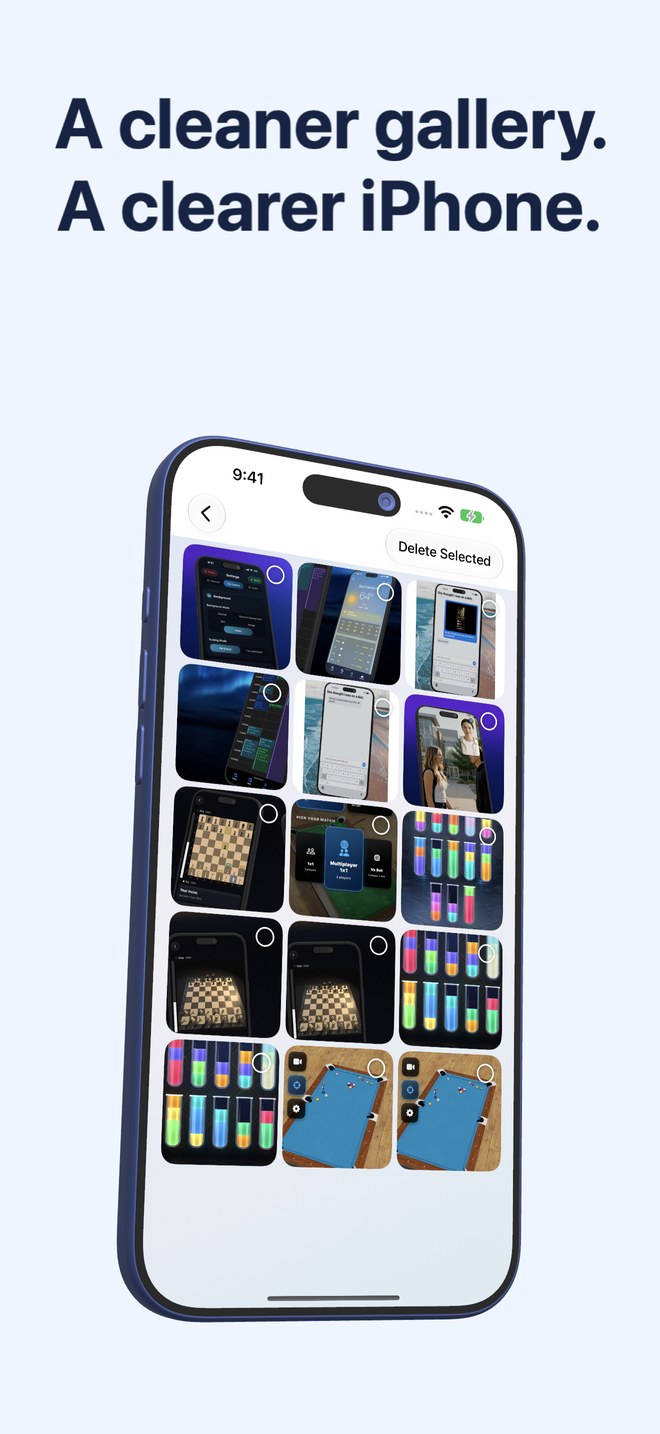
Read access lets PhotoKit list screenshots and read file sizes; write access is required by iOS so the Delete Selected request can trigger the system Photos deletion sheet.
Does Fastest Screenshot Cleaner require creating an account?
No. It has no sign-in, collects no personal profile data, and is sold as a one-time $2.99 US App Store download.