How to Clean Duplicate Chat Screenshots on iPhone Without Touching Camera Photos
General phone cleaners scan your entire camera roll at once, mixing family portraits and travel videos with the screenshots you took inside WhatsApp, Telegram, or iMessage. Fastest Screenshot Cleaner filters strictly for the iOS PhotoKit screenshot subtype—leaving camera photos untouched while grouping chat captures and duplicate screenshots for fast removal.
How PhotoKit subtype filtering protects your camera roll
When you press the Side Button and Volume Up on iPhone, iOS tags that image with the `photoScreenshot` media subtype. Camera photos, Live Photos, and portrait shots do not carry that tag.
Because Fastest Screenshot Cleaner requests only screenshot-tagged assets from PhotoKit, you never risk accidentally selecting a camera-roll photo while cleaning up old chat threads.
| Media Origin | Has iOS Screenshot Subtype? | Included in Fastest Screenshot Cleaner? |
|---|---|---|
| iPhone / iPad hardware screenshot of WhatsApp, Telegram, or iMessage | Yes | Yes — grouped into Chats and Duplicate stacks |
| Screenshot re-cropped or duplicated in Photos | Yes | Yes — matched in Exact or Visual Duplicates |
| Camera roll photos, Live Photos, and videos | No | No — completely ignored so camera memories stay safe |
| Photo downloaded directly from a chat attachment (not screenshotted) | No | No — lacks the iOS screenshot marker |
Clear repeated chat captures and re-saved copies in 4 steps
People frequently take two or three overlapping screenshots of the same conversation or re-save an annotated copy after sharing it in a group chat. You can clear both the duplicates and the chat backlog in one pass.
- Launch Fastest Screenshot Cleaner and let the scan calculate your total screenshot storage and duplicate groups.
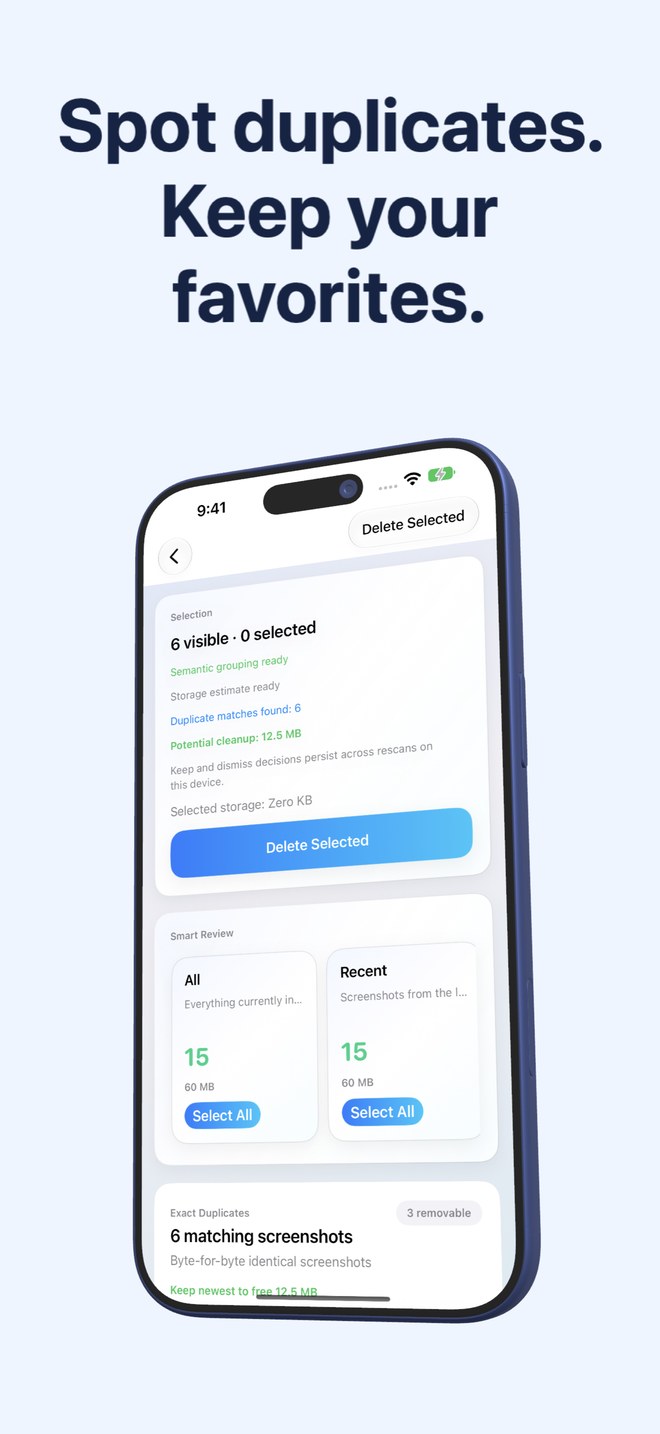
- Open the Duplicates stack first, review Exact SHA-256 clones and Visual Matches, and tap Keep Newest to mark extra copies for removal.
- Open the Chats Vision stack to inspect all remaining screenshots containing message bubbles and conversation text.
- Tap Select All (or pick specific rows), review the byte total on the confirmation bar, and confirm deletion via the system Photos sheet.
What to know about images saved directly from messengers
If someone sends you a screenshot inside WhatsApp or Telegram and you tap Save to Photos, the messaging app often strips the original iOS screenshot metadata and saves a standard JPEG. Those imported files behave like regular images in Apple Photos and will not appear in a screenshot-only scan.
Can Fastest Screenshot Cleaner accidentally delete my camera photos?
No. The app queries PhotoKit exclusively for images marked with the iOS screenshot media subtype, ignoring regular camera photos and videos.
How does the Chats stack recognize messaging screenshots?
It uses Apple's on-device Vision framework to detect text patterns and layout cues common in chat screenshots without sending any data off your phone.
Does Keep Newest delete duplicates immediately without asking?
No. Keep Newest only pre-selects older copies in a group. You still review the selection and confirm final deletion in the iOS Photos system prompt.