How to Find and Delete the Largest Screenshots Taking Up iPhone Storage
Not all screenshots cost the same storage. A screenshot of a dark text note on iPhone might take 180 KB, whereas a ProMotion screenshot of a 3D game, a satellite map, or a photo-heavy social feed can exceed 8 to 15 MB as a lossless PNG. Because Apple Photos offers no sort-by-size option in the Screenshots album, isolating the heaviest captures is the fastest way to reclaim space.
Why some iPhone screenshots are 50x larger than others
iOS saves standard screenshots as PNG files to keep interface text razor-sharp. PNG compression handles flat solid colors effortlessly, but struggles when the screen shows continuous gradients, camera viewfinders, video frames, or HDR photography.
Deleting fifty 10 MB captures from the Large stack frees as much storage as deleting two thousand tiny text screenshots—with a fraction of the review effort.
| Screen Content Captured | Typical PNG Size Range | Storage Impact Priority |
|---|---|---|
| Plain text notes, settings menus, calculators | 150 KB – 600 KB | Low — delete for tidiness rather than urgent storage relief |
| Messaging threads with small inline thumbnails | 600 KB – 2.5 MB | Medium — adds up when hundreds accumulate in Chats |
| Maps, video players, games, photo feeds, iPad 13-inch captures | 4 MB – 18 MB+ | High — surfaced immediately inside the Large stack |
Target the Large stack in 4 steps
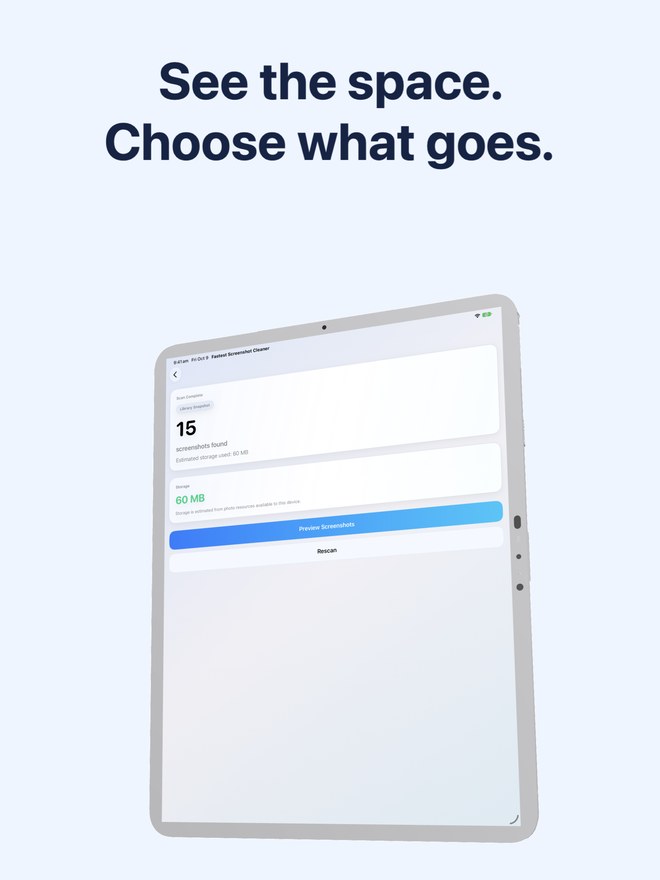
Fastest Screenshot Cleaner inspects the accessible resource size of every screenshot during its scan and surfaces the biggest offenders in a dedicated card.
- Open Fastest Screenshot Cleaner on your iPhone or iPad (iOS 26+) and run a library scan.
- Check the top summary banner for total screenshot count and combined megabytes or gigabytes.
- Tap the Large stack card to view your heaviest screenshots without scrolling through lightweight text captures.
- Select the large captures you no longer need, verify the selected byte counter at the bottom, and tap Delete Selected to confirm through Apple Photos.
Combine Large stack review with Landscape and Portrait filters
Full-screen mobile games and video frames are almost always captured in landscape orientation. After clearing the Large stack, open the Landscape stack to catch any remaining widescreen captures from streams or games you finished months ago.
Can Apple Photos sort the Screenshots album from largest to smallest file?
No. Apple Photos lets you sort by Oldest or Newest, and viewing file size requires swiping up on individual screenshots one at a time.
Does Fastest Screenshot Cleaner compress screenshots or delete them?
It helps you review and bulk-delete unwanted screenshots via Apple Photos. It never alters or re-compresses the screenshots you choose to keep.
Why do 13-inch iPad screenshots take so much space?
A 13-inch iPad Pro captures 2064 x 2752 pixels—nearly double the pixel area of an iPhone—so rich visual screenshots produce significantly larger PNG files.