How much iPhone storage do screenshots use?
A screenshot count alone does not tell you how much space you can reclaim. Image dimensions and file formats matter.
Read the total before deleting
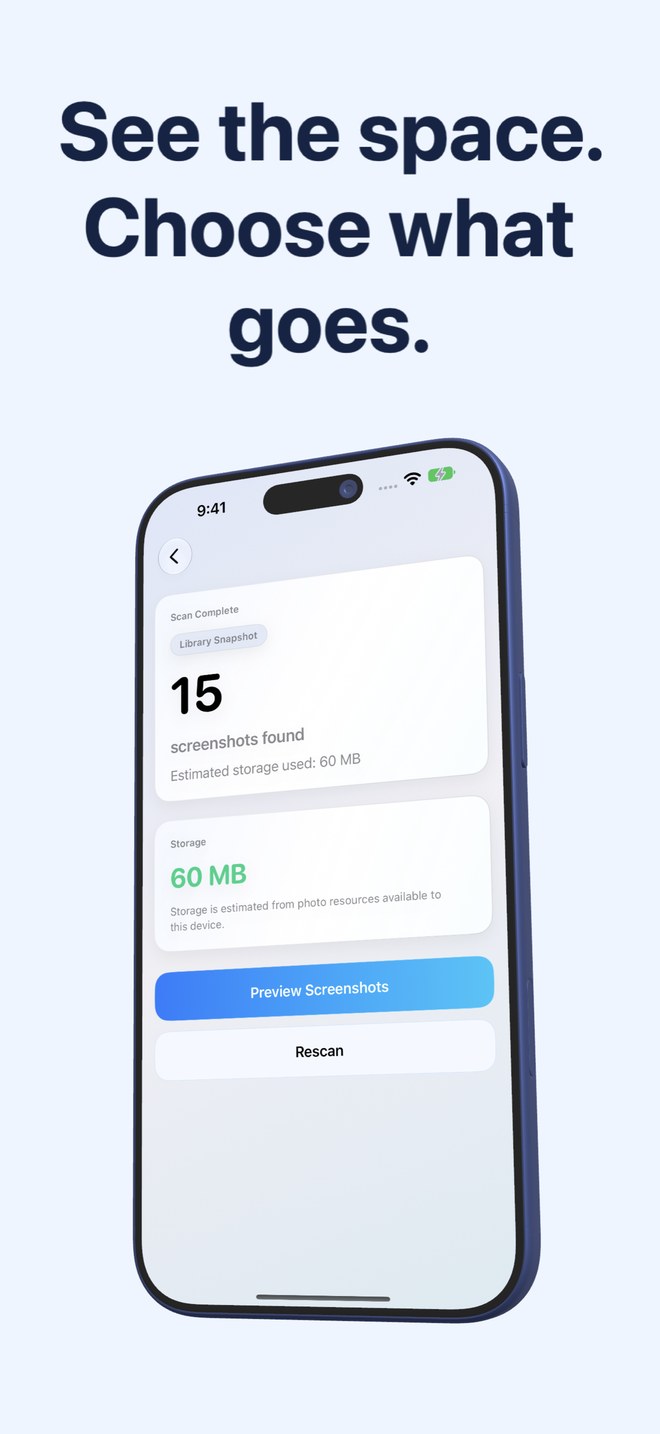
Run a scan to see the storage estimate for your screenshots. Review large images and duplicates first. A library of simple text captures may use much less space than a similar number of detailed images. The app measures the accessible resources instead of promising a fixed saving.
Check the whole storage picture
Compare the screenshot estimate with Settings → General → iPhone Storage. If video or other apps use most of the space, screenshot cleaning may have only a small effect. Remove files you no longer need rather than deleting valuable records just to reach a target.
Allow Photos to finish
Recently Deleted and iCloud synchronisation can affect when reclaimed space appears. iCloud-only resources may need downloading for some operations. Storage estimates and the system total are different views, so they need not change at exactly the same moment.
- Review large items first.
- Keep important receipts and documents.
- Do not assume a scan total equals an immediate storage saving.
Is a particular percentage of space guaranteed?
No. Savings depend on your library and the items you choose to remove.