What does the Screenshot Cleaner widget do?
A widget can remind you that screenshots are accumulating, without asking you to open a cleaner every day.
A summary, not an automatic clean-up
The widget presents the latest screenshot count and storage information. Its scan action opens the app and starts a review workflow. You still choose what to remove and confirm deletion through Photos. There is no background deletion.
Why the number can be old
iOS decides when background refresh can run. Battery state, permissions and system scheduling can delay an update. A widget is therefore a useful summary, not a real-time promise about every new screenshot. Open the app and scan again when you need a current view.
A practical habit
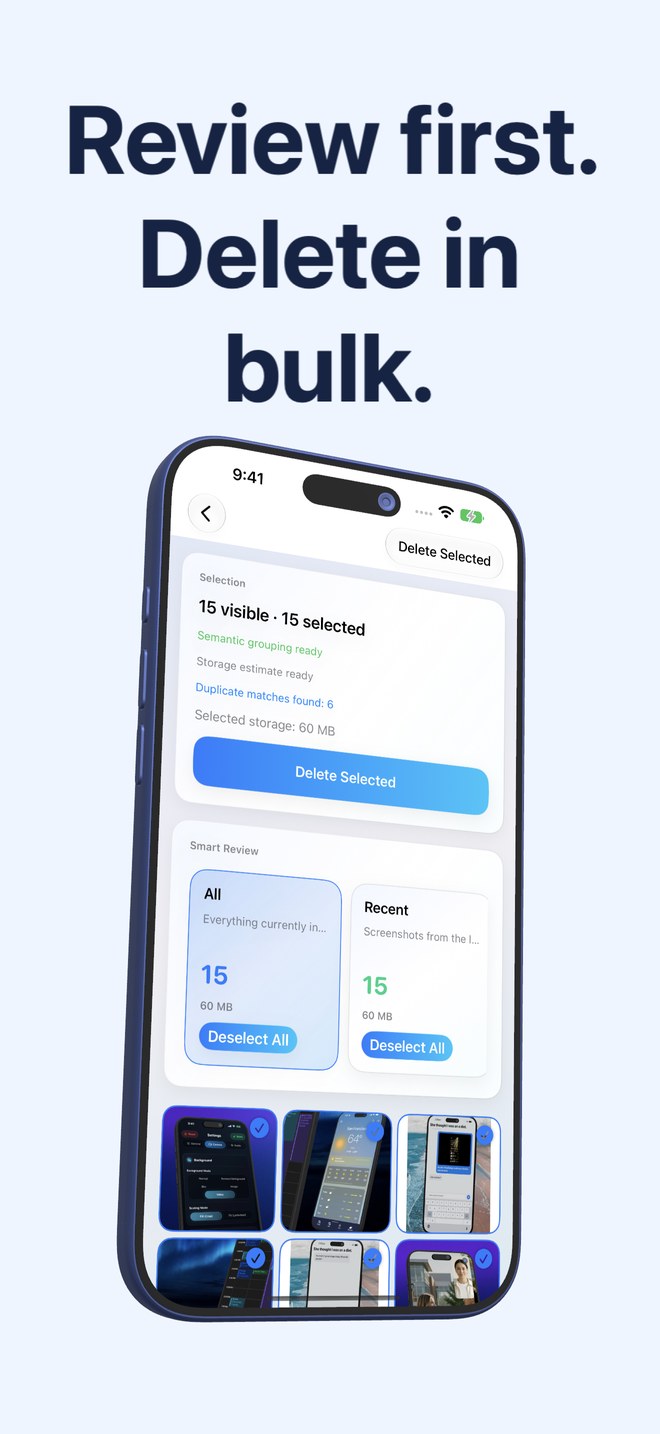
Review a few screenshots after a trip or a completed project. Use the categories and duplicate groups to keep the task small. Check the selected images before deleting, and keep important records somewhere appropriate.
Does the widget need Photos access?
The scan needs access to the screenshots you want counted and reviewed.